
Orchestrate Testing with the TestRail Jira Integration












Keli Jordan
Director of Quality Assurance

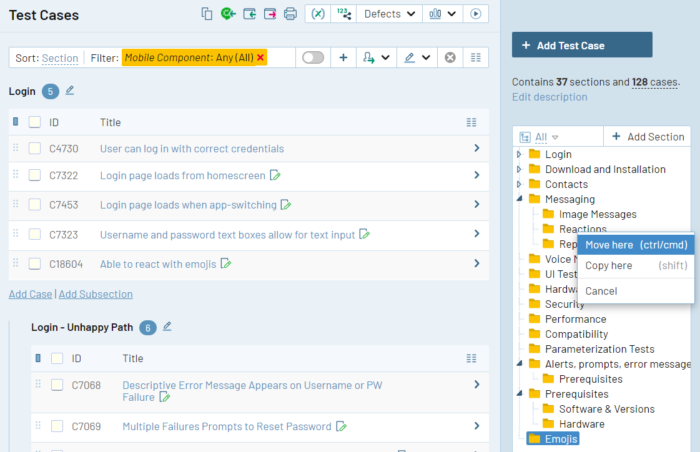
Get Full Control Of Your Test Management
Organize reusable test cases in a centralized folder-based repository. Create custom test case templates and fields to design more productive workflows. Centralization makes it easy to track your testing as a whole no matter what kind of testing you do — including automated tests and results.
That means you can get complete control over your team’s QA workflows without flooding your Jira instance with custom issue types or fields or slowing Jira down for the rest of your users.
Expand Your User Story Coverage
With TestRail’s Jira integration, you can link test cases to user stories, epics, or any other kind of Jira issue to make it clear exactly which requirement is being tested. And if multiple test cases cover the same user story, you can link all of them at once time simply by bulk editing test cases in TestRail.
Create new test cases and view linked tests from Jira issues to understand coverage in a glance. Or, generate a test coverage report for all of the user stories in a given sprint, epic, or release with the click of a button.
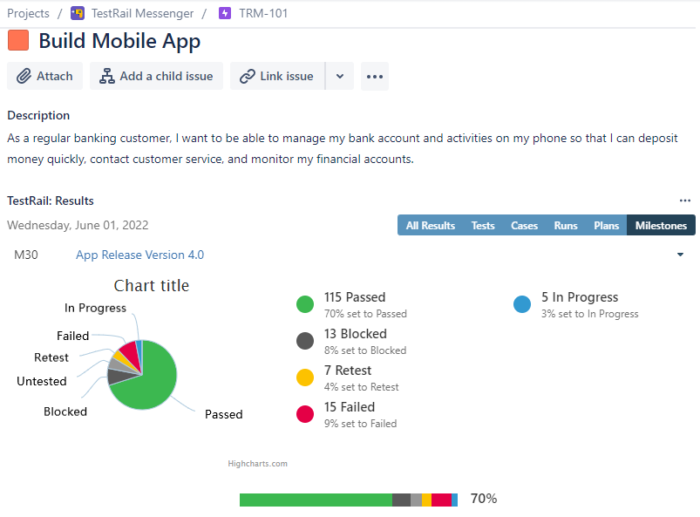
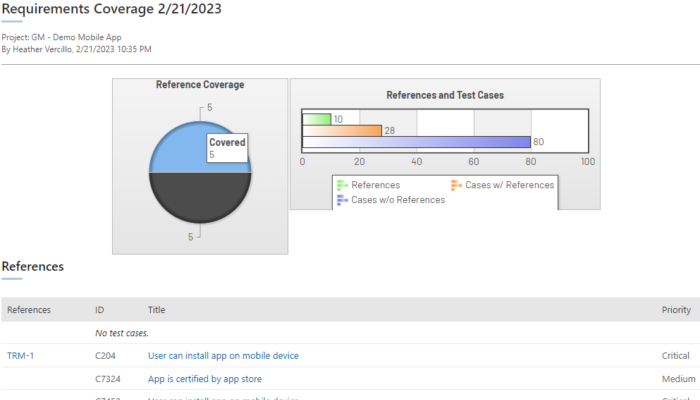
Build End-to-End Traceability
Report on linked test artifacts from all types of testing, including results from test automation, with one click to manage the scope of your testing, reduce bugs, and minimize risk.
Leverage the TestRail Jira integration to meet compliance requirements and understand the riskiness of release in real-time.
Join over 10,000 QA teams using TestRail to release flawless products, faster


Unlock Full Visibility into QA
Quality engineered for Enterprise
Get total
control over
your testing
“TestRail is a great all-in-one tool for managing test repositories, creating test plans, tracking test execution progress, monitoring automation coverage, and generating insightful reports.”

Amrathraj Nayak
Engineer Manager - QA
Get total
control over
your testing
“When it comes down to preparing our test suites and test cases, we save 20% of our time using TestRail because we can create test cases and test suites faster with intuitive UI/UX.”


Jiří Malý
Senior Software Tester
Get total
control over
your testing
“TestRail improves our collaboration, efficacy, and application quality, which in turn provides the best customer experience.”


Kelli Jordan
Director of QA
Get total
control over
your testing
“TestRail enables us to deliver consistent product quality and communicate the state of testing in simple terms to management and executives.”

Moira Tuffs
Software QA Manager








Integrate Jira with TestRail.Release with confidence.
Beyond the product

How to Report on Traceability and Test Coverage in Jira
In this blog post, we cover why test coverage and traceability are essential, and how you can show test coverage, manage requirements traceability, and create a traceability report when using Jira to manage software development.
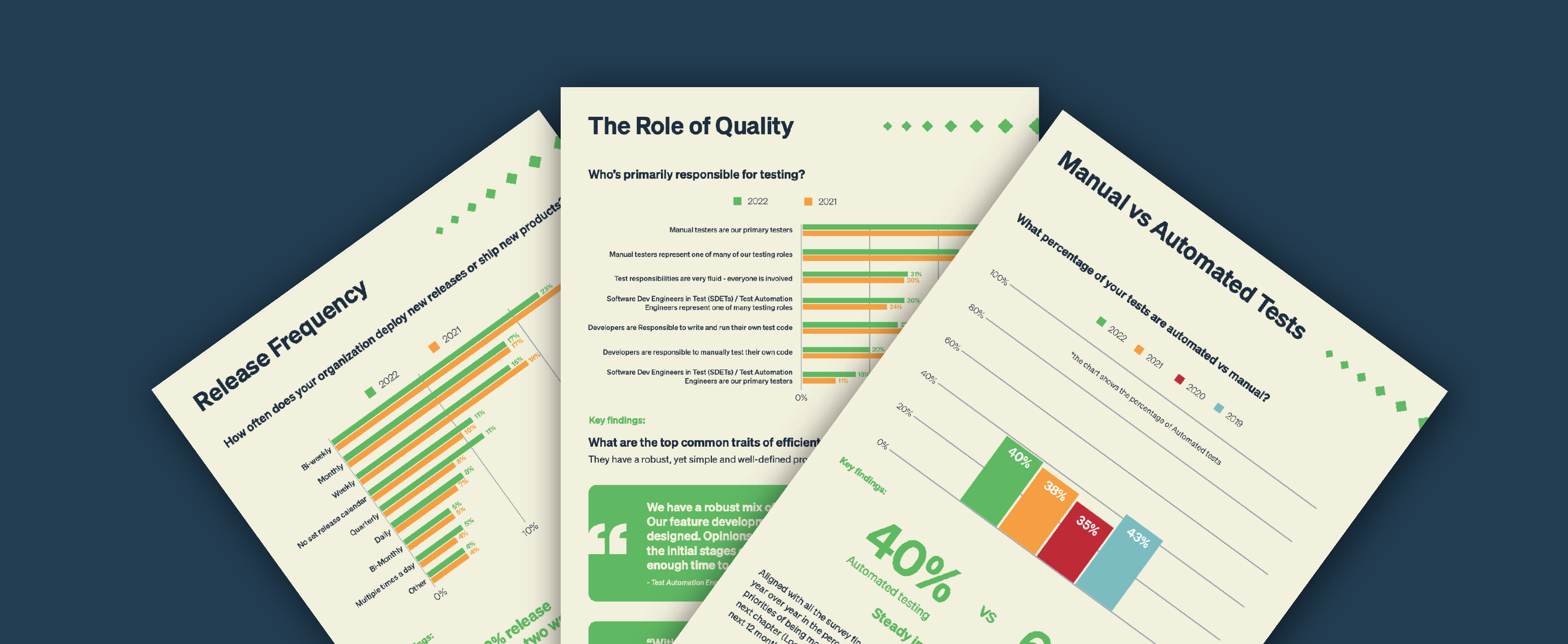
The 2023 Software Testing Quality Report
In this report, we uncover surprising data about the adoption of test automation, questions about the business impact and ROI of testing, and people’s primary objectives around quality right now. Plus, learn more about the most common traits of efficient and happy QA teams—the key to unlocking a high-performing team may be simpler than you think!

Test Automation: Don't Believe the Hype
In this webinar, Diogo Rede, TestRail’s Solution Architect & Testing Advocate, walks you through common misconceptions about test automation and how to build an approach to automation that works for your team's unique needs.